
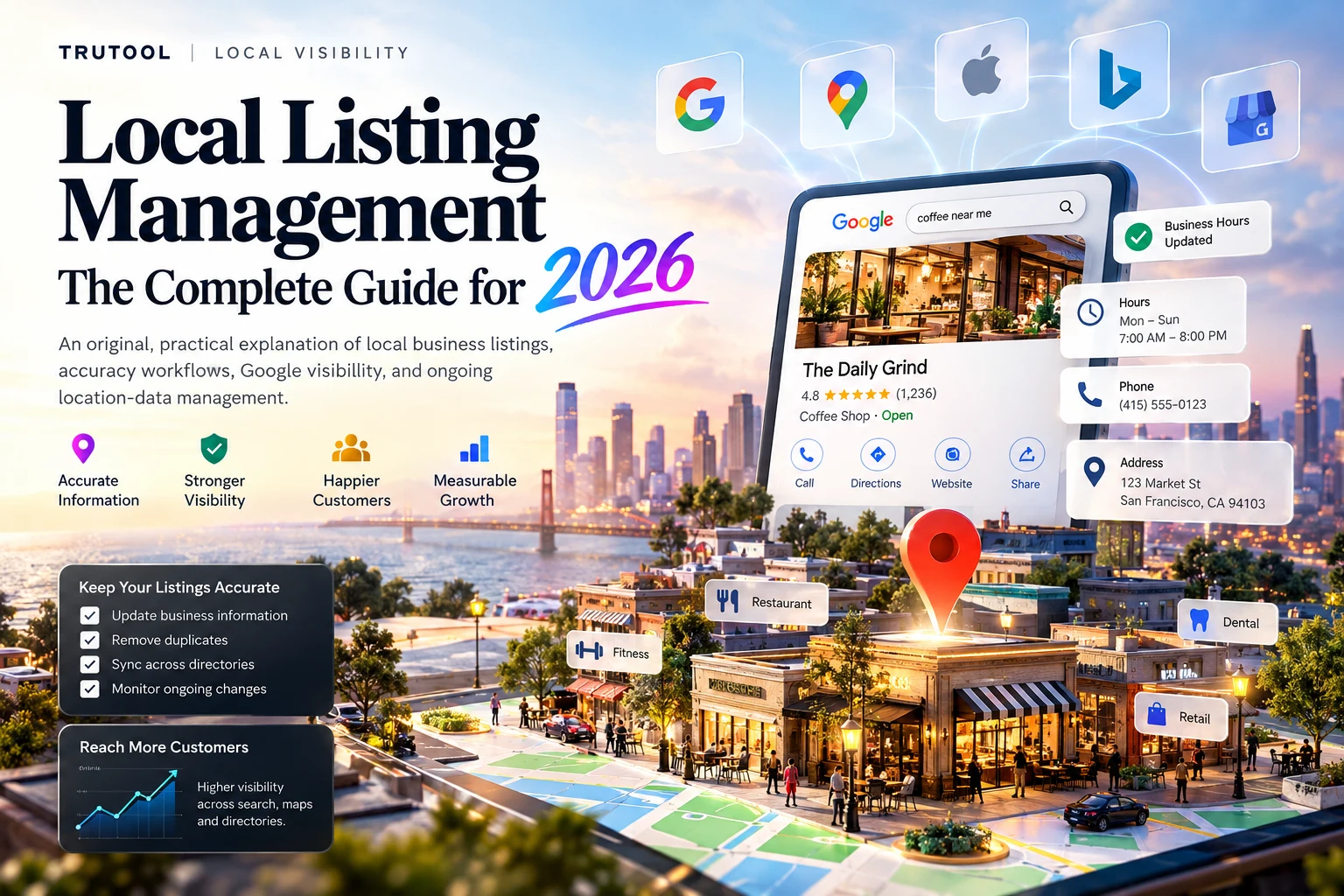
Local listing management is the ongoing process of creating, claiming, updating, and monitoring a business's information across Google Search, Google Maps, Apple Maps, Bing, and relevant online directories. It keeps each location's name, address, phone number, business hours, categories, and website links accurate so customers can find and contact the right business. The work continues after a listing goes live.
A local listing is the business profile a customer sees when searching for a company or a nearby service. Managing it means more than submitting an address once. Hours change, locations move, ownership changes hands, publishers suggest edits, and duplicate profiles appear. A reliable process makes sure public listings continue to reflect what is actually true.
This guide explains what to manage, where to start, how to correct mistakes, and how to measure the work without confusing accurate listings with guaranteed Google rankings.
Why does local listing management matter?
Accurate local listings help people discover, evaluate, and reach a business. An incorrect address can send someone to the wrong storefront. Outdated opening hours can waste a trip. A disconnected phone number or broken booking link can lose an inquiry before a customer reaches the website. For businesses with multiple locations, these errors multiply across publishers.
Google says that businesses with complete and accurate information are more likely to appear in relevant local search results. Its local-ranking guidance describes three main factors: relevance, distance, and prominence. Improving the accuracy and completeness of a Business Profile can help with relevance, but neither listing management nor any other single action guarantees a top position. See Google's local ranking guidance.
The practical benefits are broader than ranking alone:
- Customer confidence: consistent names, contact details, and hours reduce uncertainty before a visit or call.
- Operational accuracy: approved changes reach the right publisher accounts, rather than being updated in one place only.
- Fewer duplicate profiles: teams can identify competing or outdated records before they confuse customers.
- Better local discovery coverage: customers who search on maps, directory sites, and devices beyond Google can find the correct details.
- Clearer accountability: someone owns each location record, each change, and each unresolved error.
Consider a restaurant with 12 branches. Headquarters changes Sunday hours for three branches, but the website gets updated while Google and Apple Maps do not. Customers encounter different closing times depending on where they search. Local listing management is the process that detects this mismatch, corrects it, and confirms the public result.
What information belongs in a local business listing?
A useful local listing includes the facts a customer needs to identify the business, understand what it offers, and take the next step. The name, address, and phone number form the familiar NAP foundation, but modern listings also carry operational and service details.
| Listing field | What to check | Common problem |
|---|---|---|
| Business name | Actual public-facing brand name | Extra keywords or an outdated trading name |
| Address or service area | Real location, suite, map pin, eligibility | Old address, virtual office, or incorrect pin |
| Phone number | Working number that reaches the location | Disconnected or incorrectly routed calls |
| Opening hours | Standard, holiday, and temporary schedules | Old weekend or holiday hours |
| Website URL | Correct home or location page | Broken link or wrong branch landing page |
| Primary category | Closest accurate description of the business | Category chosen only for keyword volume |
| Services and attributes | Services truly offered, supported features | Services or amenities that are not available |
| Photos | Accurate, current visuals | Images of another location or outdated branding |
| Status and ownership | Open, moved, closed, verified, authorized | Former employee or agency retains control |
Businesses should keep one approved record of these facts, even when different publishers support different field sets. Do not force every location to use identical values when its hours, services, or phone routing genuinely differ.
Which websites and directories should you manage first?
Start with the platforms customers in your market actually use, not the largest possible directory count. For many US businesses, the first checks are Google Business Profile, Apple Maps, and Bing Places for Business. Add important social, review, navigation, and industry-specific directories after verifying the core profiles.
Google Business Profile
Google Business Profile controls the business information an eligible organization manages in Google Search and Maps. Verify the correct profile, confirm its owner, select accurate categories, and keep hours, contact information, photos, and other supported attributes up to date. Google's business representation guidelines require accurate real-world details and discourage duplicate profiles for the same business.
Apple Maps
Apple's business tools let eligible organizations manage location details and place cards visible across Apple experiences. Confirm the location, phone number, website, opening hours, and any relevant visual assets. Apple's location attributes guidance describes how place card information is managed.
Bing Places for Business
Bing Places lets businesses claim and update listings used in Bing local experiences. Check whether the location already exists before adding it, then complete the available ownership verification steps. Microsoft's Bing Places guidance emphasizes current contact and business information.
Review, social, and industry directories
Other priorities depend on the business. Restaurants may need relevant dining and review platforms; hotels may need travel platforms; medical organizations may need applicable practitioner and facility directories; home-service businesses may need category-specific discovery sites. Treat coverage as a relevance decision, not a competition to appear on hundreds of low-value websites.
For a category-level starting point, explore TruTool's local listings management directory, which groups relevant software by the kind of work it supports.
How do you manage local listings step by step?
Use one repeatable workflow: inventory existing profiles, define the correct information, claim authorized accounts, publish controlled updates, check live results, and monitor for future changes. The order matters because uploading new records before checking old ones can create duplicates and ownership disputes.
Step 1: Create a complete location inventory
List every active, temporarily closed, and recently relocated business location. Record its internal location ID, trading name, address or service area, website URL, phone, hours, and operating status. Search major publishers for existing profiles, including old addresses and alternative names.
A spreadsheet is enough to start. The most important requirement is that every real location has a stable identifier, so a new phone number or rebrand does not make the same branch look like a completely new business.
Step 2: Establish one source of truth
Choose the system in which the business approves public-facing location details. This might be a governed spreadsheet, a location database, or a listings workspace. Give each field an owner. For example, operations can approve opening hours, customer support can verify the correct phone route, and a central brand team can approve name and category changes.
The source of truth should be authoritative for the organization, not automatically whatever a publisher happens to display today. Public profiles can contain outdated or user-suggested information.
Step 3: Find, claim, and verify existing profiles
Search before creating a new listing. Claim the existing eligible profile through the publisher's official process and keep ownership with a business-controlled account. Give agencies or operating teams delegated access rather than sharing the primary login.
Record the verification status and any unresolved ownership claims. A listing may exist publicly even if your team has not yet established authorized control of it.
Step 4: Standardize NAP and other core details
Compare approved information with what is live. Fix material mismatches in business name, address, phone, website URL, hours, and categories. Use the real-world business name rather than adding search keywords to the name field. Follow each publisher's rules for addresses, service areas, department profiles, and eligibility.
Example: one address, three versions
- Approved record: Harbor Dental, 125 Market Street, Suite 200, (555) 010-2400.
- Old directory record: Harbor Dental Clinic, 125 Market St., Suite 100, (555) 010-1999.
- Current Google profile: Harbor Dental, 125 Market Street, Suite 200, (555) 010-2400.
The abbreviated street name alone may be harmless. The wrong suite and disconnected phone are not. Fix the material errors first, rather than chasing cosmetic formatting differences that do not change the actual location.
Step 5: Update each priority publisher
Submit the correct information through the publisher's official editing interface, supported bulk workflow, or an authorized integration. Track what was submitted, when, through which account, and whether the publisher accepted the change.
A submission acknowledgment is not proof that a customer can already see the correction. Some publishers require additional review, verification, or processing time.
Step 6: Identify and resolve duplicate listings
Search for profiles with overlapping names, phones, addresses, old brands, or former locations. Investigate before merging, suppressing, or marking anything closed. One record might be a genuine separate department or location; another may be an obsolete duplicate.
Keep a clear record of the surviving profile and any actions that could affect reviews, photos, or ownership. The goal is to preserve the legitimate business identity, not automatically delete every similar-looking result.
Step 7: Match listings to useful location pages
Where a business has separate branches, link each major listing to the most useful corresponding page on the website. That page should confirm the location's real address, opening hours, services, directions, and contact route. Avoid sending every branch to a generic homepage when a dedicated location page exists.
Google's LocalBusiness structured data guidance explains how websites can describe locations, opening hours, and relevant departments in machine-readable form. Structured data must reflect visible, accurate page content and does not guarantee special search features.
Step 8: Check the live result and record evidence
Reopen each priority listing as a customer would. Confirm the phone works, the location pin is correct, the hours display properly, and the destination URL leads to the right branch. Record the date, publisher, verified fields, and any outstanding exceptions.
For a larger network, sample ordinary locations and harder cases: recent moves, temporary closures, holiday-hour changes, departments, and locations with previous verification problems.
Step 9: Set an ongoing monitoring schedule
Repeat the process when information changes and at a steady review cadence. Assign an owner to watch for public edits, new duplicates, rejected updates, and location openings or closures. A one-time cleanup is useful, but it does not replace ongoing local listings management.
How often should local listings be updated?
Update critical business information as soon as an approved change occurs, then review the portfolio regularly for drift. There is no universal update frequency for every publisher or industry. The schedule should reflect how often operational information changes and how much damage an incorrect detail could cause.
| Event or check | Practical cadence | What to verify |
|---|---|---|
| Holiday hours, closures, moves | As soon as approved | Hours, status, pin, phone, location page |
| New branches and rebrands | Before launch, then after publishing | Eligibility, ownership, identity, and duplicates |
| Rejected edits and broken contact routes | As discovered, with prompt triage | Public result and accountable owner |
| Priority publisher audit | Weekly for active portfolios | NAP, hours, categories, links, open exceptions |
| Full location-to-publisher reconciliation | Monthly or quarterly, by risk | Coverage, drift, ownership, and stale records |
| Permissions and account access | On staff or vendor changes | Company ownership and authorized managers |
Treat these as operating recommendations, not platform rules. A hospital with rapidly changing department access may need more frequent checks than a small store with stable hours.
What is the difference between local listings, citations, and local SEO?
Local listings are the public profiles people use. Citations are mentions of business information elsewhere online. Local SEO is the wider practice of improving a business's relevance and discoverability in location-based searches. They overlap, but they are not interchangeable.
| Term | Primary meaning | Example |
|---|---|---|
| Local business listing | A business profile on a search, maps, or directory service | A Google Maps place profile |
| Local citation | A mention of a business's identifying information | A chamber-of-commerce page showing name and address |
| Local listing management | Maintaining accuracy and control of profiles over time | Updating holiday hours on multiple publishers |
| Citation management | Finding, correcting, and monitoring business mentions | Correcting an outdated directory phone number |
| Local SEO | Improving local search relevance, visibility, and user experience | Managing profiles, location pages, reviews, and local site content |
Citation building can create useful mentions, but a larger count of citations does not automatically make a location more relevant to customers. Prioritize correct information on important destinations and a real website experience over raw directory totals.
How does local listing management affect Google rankings?
Listing accuracy supports the business information Google uses to understand and show a location, but it does not independently determine ranking. Google's documented local-ranking factors are relevance, distance, and prominence. A complete and correctly categorized profile can help Google understand the business. Distance depends on the searcher's location and the location of the business, while prominence depends on how well-known the business is. See Google's explanation of local ranking.
Work that can support a more useful local presence includes maintaining eligible and verified profiles, choosing accurate categories, publishing correct opening hours, keeping photos and services representative, responding appropriately to genuine reviews, and making the corresponding website page useful and accessible.
Neither perfect NAP formatting, frequent edits, buying software, nor adding structured data guarantees a map-pack position. Avoid claims that merely synchronizing listings will secure a first-place ranking or a Google AI Overview citation.
How should multi-location businesses manage listings at scale?
Multi-location listing management requires a reliable location database, controlled access, consistent identifiers, and a way to track failed changes. A chain cannot safely depend on each manager independently updating every publisher. It needs rules that preserve location-specific differences without letting the central dataset become inconsistent.
A scalable system should include:
- Permanent IDs for every branch, outlet, clinic, or other eligible location.
- Clear account ownership held by the organization, with delegated access where needed.
- Field-level responsibility so the right team approves names, hours, closures, and URLs.
- Bulk-change quality checks before updates are sent to publishers.
- Exception tracking for duplicates, rejected edits, unavailable fields, and verification issues.
- Change history and exports so the company can audit activity and switch processes or vendors without losing basic records.
Local differences matter. Two branches may share the brand name and category but have different hours, accessibility features, services, or contact details. A central workflow should preserve those differences rather than overwrite them in pursuit of uniformity.
What are the most common local listing management mistakes?
The costliest mistakes usually come from treating a listing as a one-time marketing asset instead of an operational record. The most common problems are straightforward to prevent when someone owns the process.
- Creating a new profile without searching for an existing one.
- Allowing a former agency, employee, or franchise operator to retain exclusive ownership.
- Adding service keywords or location phrases to the public business name when they are not part of the real-world name.
- Updating Google while leaving Apple Maps, Bing, and relevant directories unchanged.
- Using one generic phone number, set of hours, or location URL for branches that operate differently.
- Assuming that 'submitted' means 'corrected and visible.'
- Closing or deleting a legitimate profile while attempting to remove a duplicate.
- Measuring success only by how many directories contain the brand.
For an actionable starting point, TruTool's community guide on which business listings to audit first focuses on the records customers are most likely to encounter.
Can you manage local listings manually, or do you need software?
Manual local listing management is reasonable for a small number of stable locations. Software becomes more useful when the volume of publishers, locations, changes, permissions, or failures exceeds what one person can reliably monitor. The right decision is based on operational workload, not an arbitrary location threshold.
A spreadsheet may be enough if one team controls a few profiles, updates are infrequent, ownership is clear, and manual checks are documented. A dedicated listings-management system may help when there are many locations, multiple operating teams, regular openings or closures, cross-publisher updates, complex approval paths, or a growing queue of unresolved duplicates.
Before using any platform, check which destinations and fields it actually supports, whether it shows rejected updates and current connection status, who keeps publisher account ownership, how records can be exported, and what manual tasks remain. Directory coverage claims are not the same as verified live updates.
TruTool maintains a practical guide to choosing local listings management software for readers who decide their workflow needs a dedicated platform.
How do you measure local listing management success?
Measure whether the correct information is visible, whether errors are resolved, and whether customers can reach the business. Listing counts and vendor health scores are not enough by themselves. Record operational indicators separately from search visibility and customer actions so improvements are not mistaken for guaranteed ranking effects.
| KPI | Useful definition | Why it matters |
|---|---|---|
| Priority listing accuracy | Verified correct profiles divided by profiles checked | Shows current public data quality |
| Priority publisher coverage | Eligible locations with an appropriate controlled profile divided by eligible locations | Reveals missing high-value destinations |
| Duplicate backlog | Unresolved suspected duplicate cases | Shows identity cleanup work remaining |
| Average exception age | Time unresolved errors have remained open | Identifies persistent operational problems |
| Verified update rate | Changes confirmed live divided by changes scheduled for confirmation | Separates submissions from published results |
| Broken contact routes | Wrong phones, inaccessible websites, or failed booking links found | Measures customer-facing friction |
Google Business Profile's performance reporting includes actions such as website clicks, call-button clicks, and direction requests where supported. Treat those as useful behavioral signals, not proof that one directory correction generated a sale. Google's Business Profile performance documentation explains the available metrics.
For reporting, compare like-for-like periods and locations. Annotate major events such as new store openings, seasonal changes, closures, and website migrations. Do not combine an incomplete publisher sample into a seemingly precise company-wide 'accuracy score' without saying how it was calculated.
A practical 30-day local listings management plan
A 30-day rollout should establish control of the highest-value profiles, fix visible customer-facing errors, and create a monitoring routine. It does not need to clean every obscure directory immediately. Prioritize accuracy and evidence of live corrections.
Week 1: Audit and prioritize
Build the location inventory, identify current account owners, and inspect Google, Apple Maps, Bing, and the most relevant industry directories. Flag wrong addresses, closed-location records, dead numbers, hours problems, and suspected duplicates. Sort issues by customer impact.
Week 2: Approve the correct records
Confirm each location's public name, contact route, hours, category, website destination, and status. Name the person who can approve changes. Claim profiles that the organization is authorized to manage. Document cases that require publisher support or additional verification.
Week 3: Correct and verify
Publish the approved updates to priority sources. Recheck live pages rather than relying only on submission messages. Handle duplicates cautiously and keep a record of cases that are waiting for review or cannot yet be changed.
Week 4: Build the routine
Set the monitoring cadence, review access permissions, create a change-request process, and agree on a simple monthly report. Track listing accuracy, unresolved exceptions, and customer-facing contact problems. Expand to lower-priority directories only when the core records are dependable.
Frequently asked questions about local listing management
What is local listing management in simple terms?
Local listing management means keeping the information customers see about a business correct wherever it appears online. That includes addresses, phone numbers, opening hours, website links, and categories on Google Maps, Apple Maps, Bing, and relevant directories. It also involves claiming authorized profiles, correcting duplicates, and checking that changes are visible.
Is local listing management the same as Google Business Profile management?
No. Google Business Profile management covers a business's presence on Google's platforms. Local listing management is broader: it also includes other maps, directory sites, navigation services, and industry-specific platforms. Google is often the first place to start, but updates made there should not be assumed to update every other publisher automatically.
Does local listing management help SEO?
It can support local SEO by helping search engines and customers find accurate business details. Google recommends complete and accurate information for local visibility, but rankings depend on several factors, including relevance, distance, and prominence. A listing-management process does not guarantee higher rankings, additional reviews, or inclusion in AI-generated search answers.
How many local business directories should I use?
There is no universally correct number. Begin with major maps and discovery platforms, then add directories relevant to your business, geography, and customers. Ten accurate, useful profiles can be more operationally valuable than dozens of outdated or low-priority records. Evaluate coverage by customer impact, eligibility, and whether information can be maintained.
How often should a business check its listings?
Update listings whenever important business details change. For active or multi-location portfolios, a weekly check of urgent issues and a monthly reconciliation are practical starting points. Use faster checks for holiday hours, moves, temporary closures, phone-routing problems, and ownership changes. The schedule should reflect the risk of incorrect information reaching customers.
What is the first step in fixing inaccurate business listings?
Create one approved record of the location's actual name, address, phone, website, hours, and status. Compare it with existing profiles before creating new listings. Claim authorized accounts, correct the highest-impact discrepancies, and verify each change on the public page. Keep a log of duplicates or publisher errors that still need attention.
The bottom line
Local listing management works best when it is treated as a continuous accuracy process. Start with the profiles that matter most to customers, maintain one approved record per eligible location, keep ownership under business control, and verify corrections after publishing. Good listings make a business easier to find and contact. They do not replace a useful website, good service, or the other factors that influence local search visibility.
